
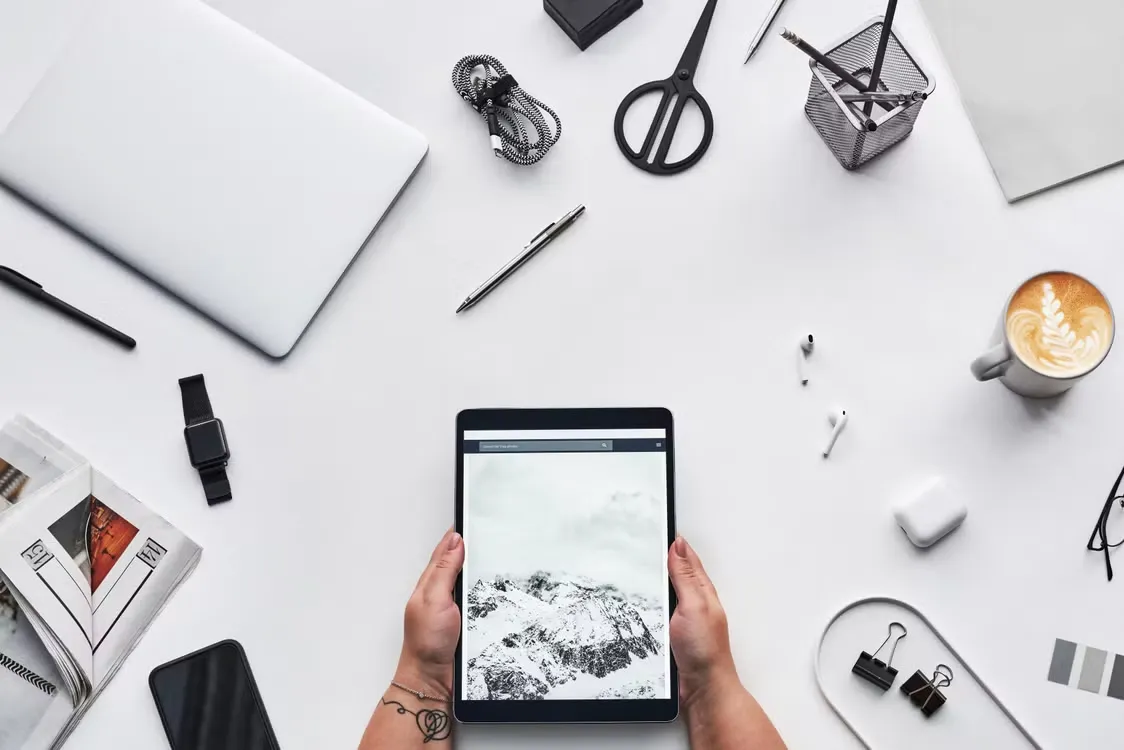
Remote work has become more flexible in 2026, and tablets are now a practical part of that setup. They are lighter than laptops, larger than phones, and powerful enough for many daily work tasks.
For professionals who move between home, cafés, coworking spaces, airports, hotels, and resorts, tablets offer a useful balance. With the right apps and accessories, they can support productivity, video meetings, collaboration, planning, and travel-based work without needing a heavy setup.
Productivity Apps Keep Work Organized
Productivity apps are one of the main reasons tablets work well for remote workers. Calendars, task managers, note apps, document editors, spreadsheets, and cloud storage tools can all run from one portable screen.
A tablet makes it easier to review schedules, update project lists, answer emails, and manage documents from almost anywhere. The screen gives enough space to work comfortably, while the device stays easy to carry.
Many remote workers use split-screen tools to keep two apps open at once. For example, you can view meeting notes beside a calendar or keep a document open while checking a task list. This makes everyday work feel more organized.
A keyboard case can also make a big difference. It turns the tablet into a more practical writing tool for emails, reports, proposals, and client updates.
Video Conferencing Feels More Natural
Video calls are a major part of remote work, and tablets handle them well. The screen is large enough to see people clearly, while the device is easy to position with a stand.
Remote workers can join team meetings, client calls, interviews, webinars, and training sessions from home or while traveling. A good stand keeps the camera at a better angle. Headphones improve sound quality, especially in shared spaces.
Tablets also make it easy to take notes during calls. You can keep a note app open, mark action items, and review documents while still staying in the meeting.
For professionals who travel often, this is useful. A tablet can turn a hotel room or quiet lounge into a temporary meeting space.
Collaboration Tools Make Teamwork Easier
Remote teams need strong collaboration tools. Tablets support shared documents, project boards, messaging apps, digital whiteboards, and cloud folders.
Team members can review files, leave comments, update tasks, and approve work without being in the same location. This helps projects keep moving even when people work across different time zones.
A stylus can also help with collaboration. Designers can mark layouts, managers can annotate proposals, and teachers can review lessons directly on screen.
The best collaboration tools keep everyone working from the same updated version. This reduces confusion and avoids long email chains with too many attachments.
Tablets Create Mobile Offices
A tablet can become a small mobile office with only a few accessories. A keyboard, stylus, stand, charger, and power bank can cover most remote work needs.
This setup is useful for people who do not want to carry a laptop every day. It works well for emails, planning, reading, video calls, note-taking, and document review.
Cloud storage keeps files available across devices, which makes it easier to switch between a tablet, phone, and desktop. Remote workers can start a document on one device and finish it on another.
Security matters too. Use strong passwords, biometric login, two-factor authentication, and updated apps to protect work files and client information.
Business Travel Becomes Simpler
Tablets are especially helpful during business travel. They can store boarding passes, hotel bookings, meeting agendas, maps, receipts, and presentations in one place.
A traveler can review a schedule at the airport, join a call from the hotel, sign a document between meetings, and watch a presentation before dinner.
Offline access is important. Download key files before traveling so weak Wi-Fi does not interrupt work. A power bank also helps during long travel days.
For short trips, a tablet may be enough for many professionals. It reduces bag weight while still supporting essential work tasks.
Casino Resorts Support Work-Friendly Stays
Casino resorts are becoming more appealing to business travelers because many offer strong Wi-Fi, lounges, meeting spaces, restaurants, hotels, and entertainment in one destination.
A remote worker can answer emails from a lounge, join a call from the room, attend a meeting on-site, and enjoy dinner or a show after work. This kind of setup makes business travel feel more convenient.
Modern casino resorts also use digital tools to improve guest experiences. Apps and tablets can help visitors book dining, view event schedules, check rewards, request services, and explore entertainment options.
After work hours, guests can choose lounges, shows, gaming areas, restaurants, or digital leisure. Some may explore options such as online slots real money during downtime, while others prefer live entertainment or resort activities.
Tablets Fit the Future of Flexible Work
In 2026, tablets support remote work because they are portable, practical, and easy to adapt. They help professionals stay productive without being tied to one location.
With productivity apps, video conferencing tools, collaboration platforms, and mobile accessories, tablets can handle many tasks that once required a full laptop.
Casino resorts reflect the same flexible approach by combining work-friendly spaces, digital services, dining, hotels, and entertainment. Together, these trends show how remote work is becoming more mobile, more connected, and easier to manage from anywhere.